Nova Launcher 6.1 beta adds Dark mode for Google Discover and Numeric Dots

Nova Launcher, one of the most recognized launchers, is still at it with its latest beta version 6.1 update.
Beta version 6.1 includes a new ‘Dark Mode’ for the launcher’s Google Discover page, available to the left of the home screen. For it to work you’ll require Nova’s Companion app, however. After downloading and installing the Companion APK you’ll have access to Light, Dark and Nova’s’ Follow night mode.’
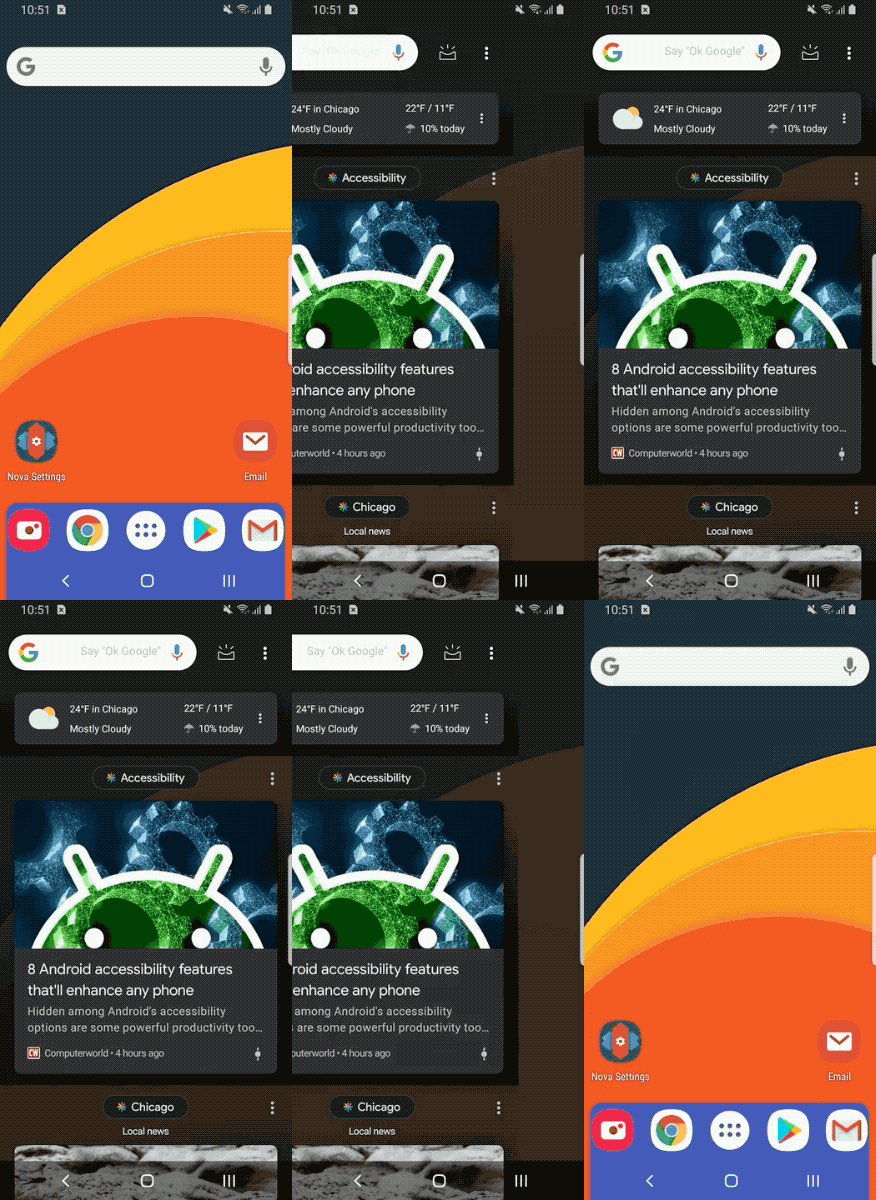
To activate the new Dark Mode, head over to Nova’s Settings, then tap on ‘Integrations,’ then on ‘Google Discover’ and lastly ‘Theme.’
Nova launcher now provides ‘Numeric Dots’ notification badges.
Previously, Nova required users to download the TeslaUnread app, as well as other permissions in order to register badges. The TeslaUnread app will no longer be available in the Google Play Store, as it relies on the SMS and CALL_LOG permissions, but for those still interested in it can download it here.
Nova also introduced its own ‘Dynamic Badges,’ and implemented Google’s dots. However, the Numeric Dots now provide a number of how many notifications a specific app has.
Nova Launcher 6.1 beta is available by joining the beta program through the Play Store or downloading the APK Mirror.
The post Nova Launcher 6.1 beta adds Dark mode for Google Discover and Numeric Dots appeared first on MobileSyrup.
from MobileSyrup https://ift.tt/2VI7QQe
Labels: MobileSyrup

0 Comments:
Post a Comment
Subscribe to Post Comments [Atom]
<< Home